
Download Anvi Browser Repair Tool – Browser Repair, Fix Browser, Remove Malware, Browser Hijacking, Clean Browser, Restore Browser Settings
Overview
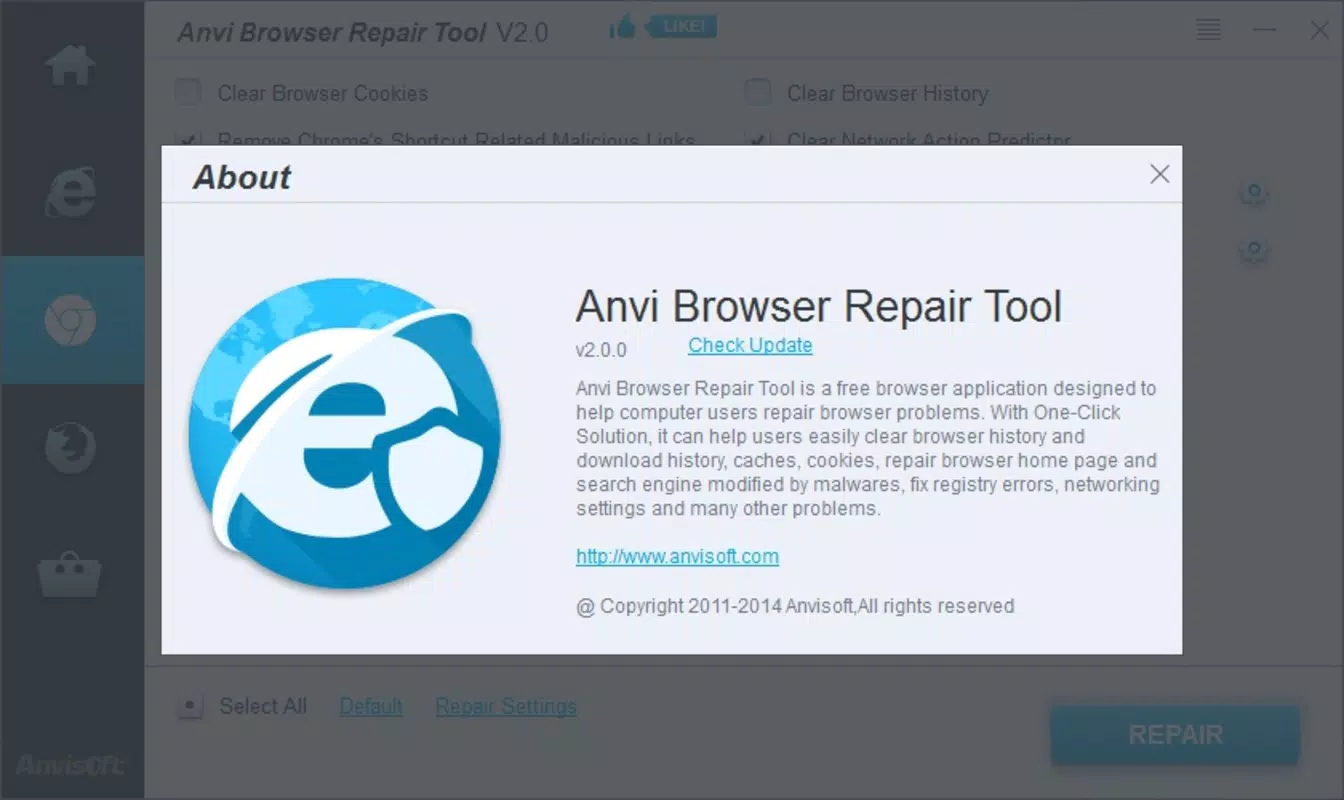
Designed to address common browser-related issues, Anvi Browser Repair Tool offers a targeted solution for users experiencing disruptions such as unauthorized homepage changes, altered default search engines, and unexpected browser behavior. The tool is specifically engineered to combat browser hijacking and malware interference, which often compromise browsing security and performance. By resetting browser configurations and removing harmful elements, it helps restore a safe and stable web experience.
This utility is particularly beneficial for users who rely heavily on their browsers for daily tasks, including online banking, research, and communication, where reliability and security are critical. The developer, Anvi Software, has positioned this tool within the utilities category, focusing on system maintenance and digital hygiene. Although specific details about the company’s background are not provided, the app’s focused functionality suggests a specialized approach to browser troubleshooting.
Real-world use cases include post-malware recovery, performance optimization after prolonged use, and restoring trust in browser settings following suspicious changes. In the broader app ecosystem, Anvi Browser Repair Tool fills a niche gap for users seeking a dedicated, no-frills repair solution rather than relying on broader antivirus software. Its ability to quickly address core browser integrity issues makes it a valuable tool in a user’s digital toolkit.
Key Features & Functionality
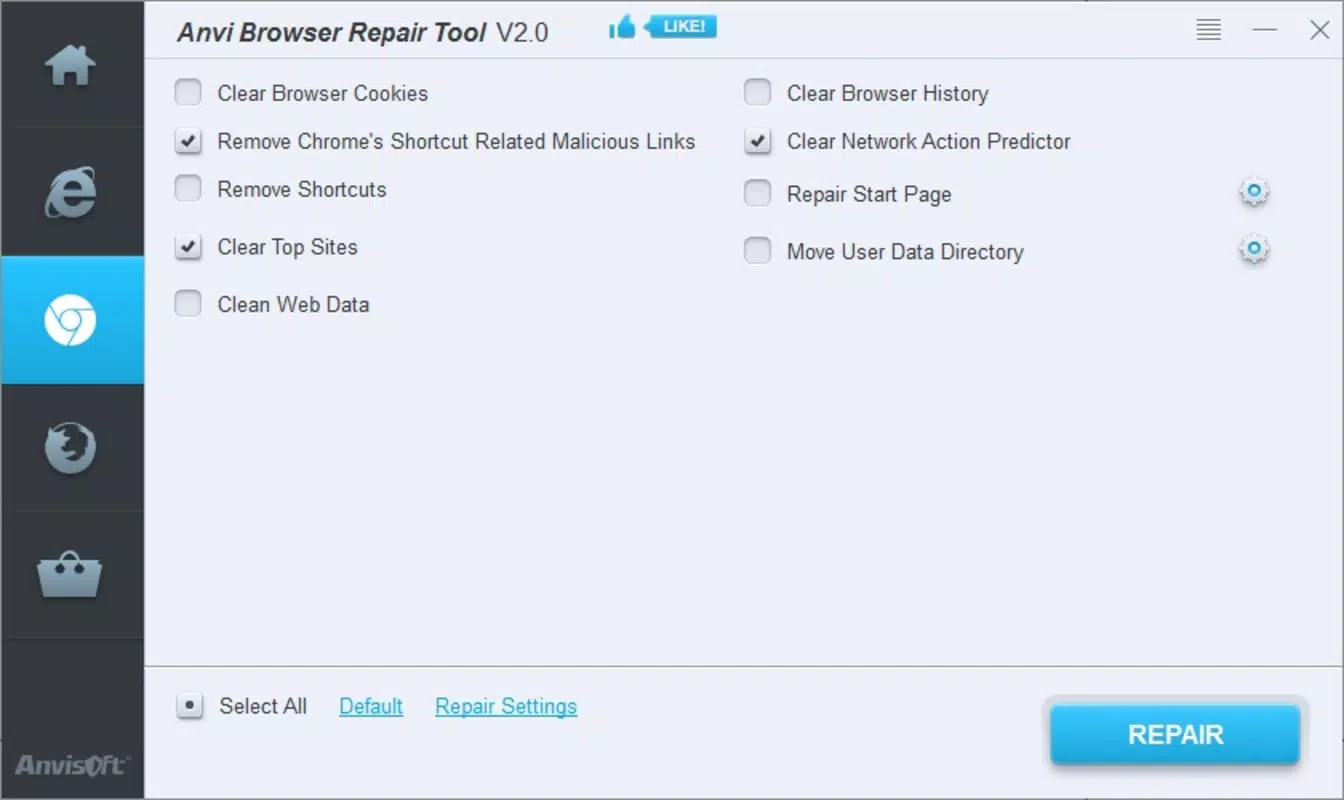
- Complete Browser Cleanup: Removes browsing history, cache, downloads, and cookies to eliminate accumulated data that may slow down browser performance or compromise privacy. This feature is ideal for users preparing to sell or share their device.
- Restores Default Settings: Resets browser configurations to their original state, removing unauthorized extensions, plugins, and settings modifications. This helps users regain control over their browsing environment.
- Malware Removal: Targets and eliminates malicious files responsible for hijacking browser settings, such as changing the homepage or default search engine. This function is crucial for users who suspect their system has been compromised.
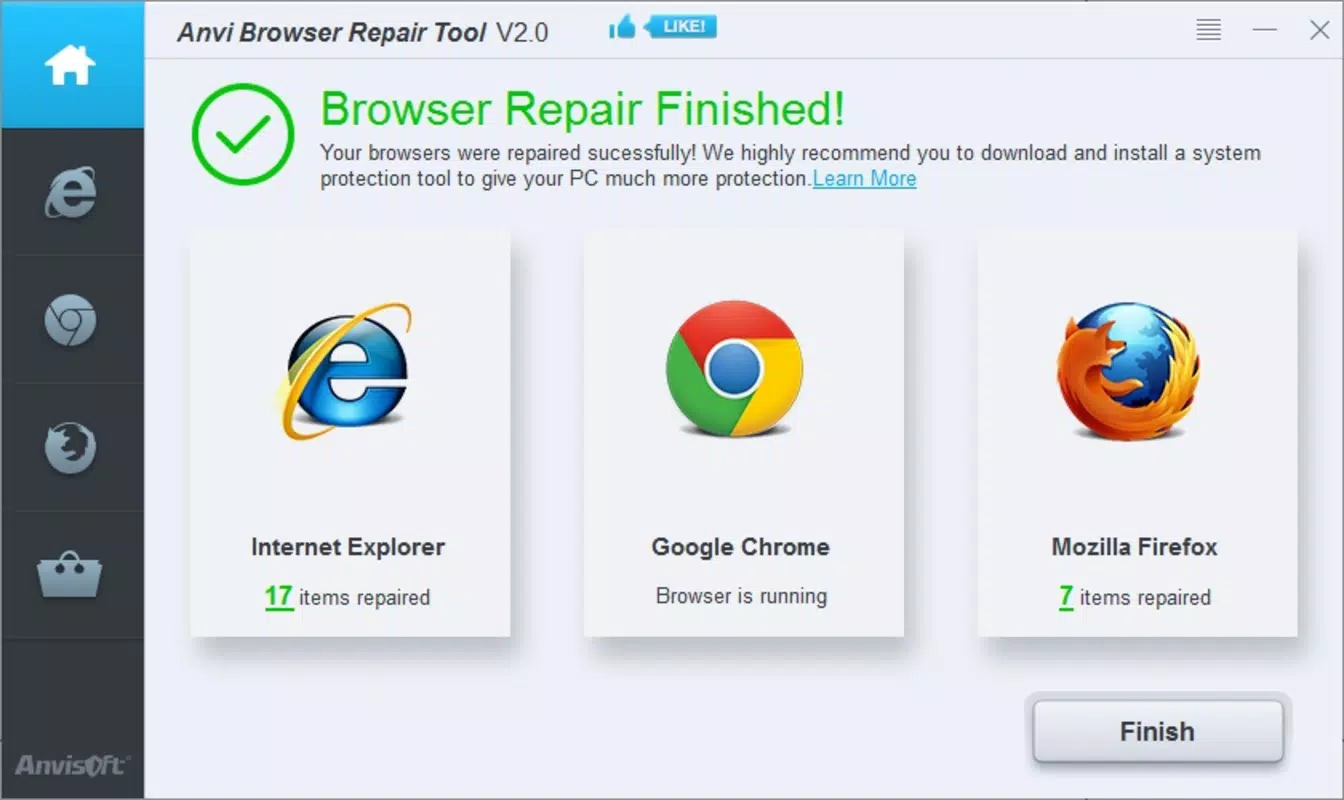
- Compatibility with Major Browsers: Supports Internet Explorer, Google Chrome, and Mozilla Firefox, ensuring broad accessibility across widely used platforms. This allows users with multiple browsers to benefit from a single repair tool.
- Improved Browser Performance: After cleanup and restoration, users can expect faster load times and smoother navigation. This enhancement contributes to a more efficient and enjoyable browsing experience.
Each feature is designed with practicality in mind. For example, the cleanup function is useful for users who notice sluggish performance after months of browsing. The restoration feature is especially valuable for individuals who have unknowingly installed unwanted software that altered their browser settings. The malware removal capability provides peace of mind for users who have experienced suspicious redirects or pop-ups. Together, these functions create a streamlined workflow that addresses root causes rather than symptoms, making the tool effective for both immediate fixes and long-term browser health.
Interface, UX & Performance
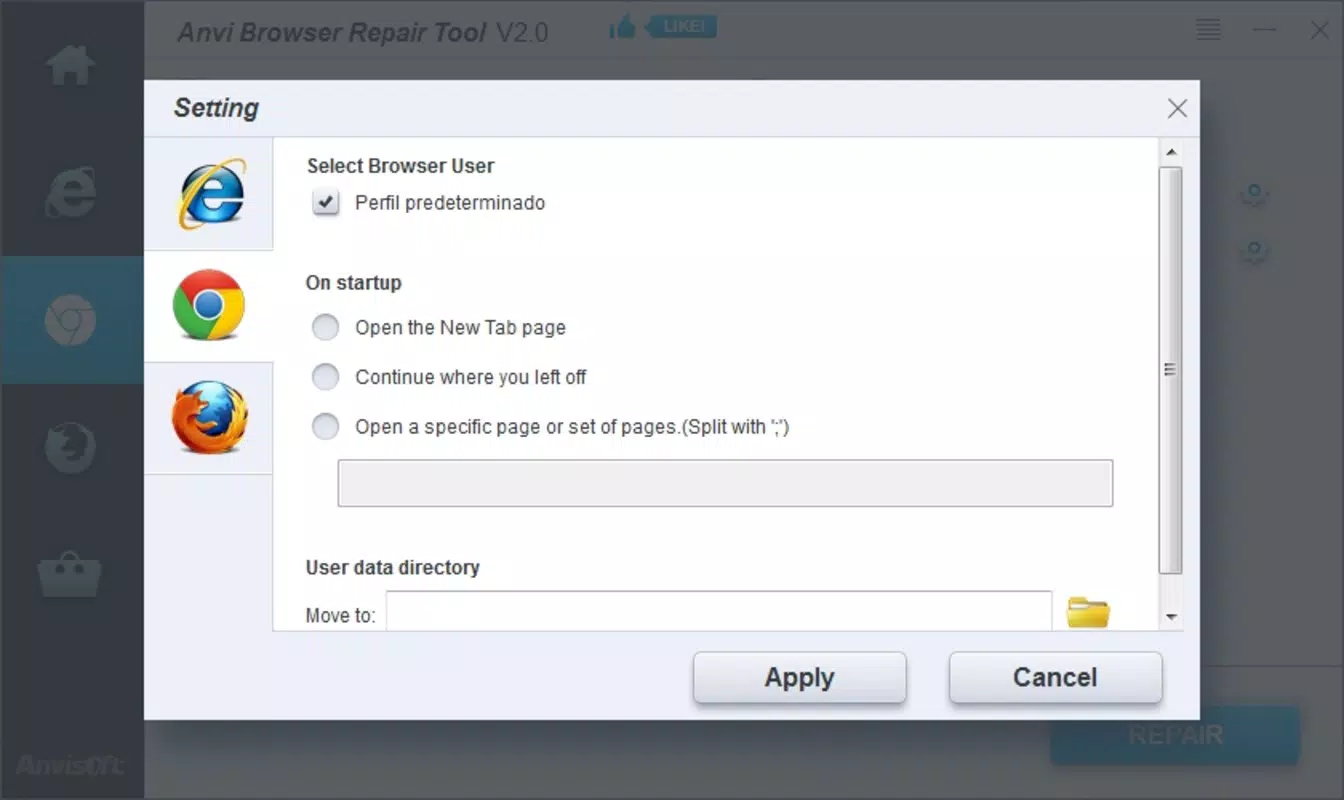
The user interface of Anvi Browser Repair Tool is designed for simplicity and direct functionality, aligning with its utility-focused purpose. Navigation is straightforward, with a minimalistic layout that guides users through the repair process step by step. The tool likely employs a clean, no-frills design to avoid distractions, prioritizing clarity over visual flair.
Users can initiate a scan, select repair options, and complete the process with minimal input. Although the developer did not list formal performance metrics, the tool’s small file size of 3.4 MB suggests it is lightweight and optimized for efficient execution. It is expected to operate smoothly on a range of Windows systems, including those with older hardware.
Responsiveness is likely consistent, as the tool performs targeted tasks without heavy background processing. Stability appears to be a priority, given its long-standing presence in the market since 2014. However, specific compatibility details for different Windows versions were not disclosed.
The tool does not require extensive system resources, which enhances its usability across diverse device categories. Overall, the UX is functional and efficient, catering to users who value speed and reliability over advanced customization.
Platform Compatibility & Technical Requirements
Anvi Browser Repair Tool is designed for the Windows platform, ensuring compatibility with a wide range of desktop systems. The software version is 1.0, indicating a stable release with established functionality. The file size is 3.4 MB, which reflects a compact and lightweight application.
Although the developer did not specify minimum OS requirements, the tool’s long-standing release date of 2014 suggests it may support older Windows versions, including Windows 7 and 8. However, users should verify compatibility with their current system configuration before installation. No additional hardware or software prerequisites were listed.
The tool is not available for mobile platforms such as Android or iOS, limiting its accessibility to desktop users. Given its size and nature, it is likely compatible with systems that meet basic Windows operating system standards. For users seeking a repair solution on mobile devices, alternative tools would be necessary.
The absence of detailed technical specifications does not detract from its core purpose, but users should exercise caution when installing software from third-party sources.
Pros and Cons
- Efficiently resolves browser hijacking and unwanted settings changes
- Lightweight design with minimal system resource usage
- Supports multiple major browsers, increasing versatility
- Offers a complete cleanup and restoration process in one tool
- Designed for quick, one-time repairs without complex setup
- Not available for mobile platforms such as Android or iOS
- Price point of $29.99 may be considered high for a single-purpose utility
- Limited to Windows operating system
- Developer did not provide detailed system requirements or compatibility information
- No automatic update mechanism mentioned
FAQ
Is Anvi Browser Repair Tool safe to use?
Yes, the tool is designed to remove malicious files and restore browser integrity. However, users should download it only from official or trusted sources to avoid potential risks.
Can I use this tool on multiple browsers?
Yes, Anvi Browser Repair Tool supports Internet Explorer, Google Chrome, and Mozilla Firefox, allowing users to repair multiple browsers with a single application.
Does the tool require a subscription or recurring payments?
No, the app is a one-time purchase with no mention of subscription fees or recurring charges.
Is there a free version available?
No, the tool is sold at a fixed price of $29.99. There is no free or trial version currently offered.
How often should I use Anvi Browser Repair Tool?
It is recommended to use the tool only when experiencing browser issues such as unexpected redirects, homepage changes, or performance slowdowns. Regular use is not necessary.
Final Thoughts
Anvi Browser Repair Tool stands out as a focused, efficient solution for users dealing with browser hijacking, malware interference, and performance degradation. Its ability to restore default settings, clean browsing data, and remove malicious elements makes it a reliable choice for maintaining browser integrity. While it is limited to Windows and requires a one-time payment, its specialized functionality justifies its value for users facing persistent browser issues.
The tool is best suited for individuals who prioritize security and performance over broad-spectrum antivirus software. For those who have experienced unauthorized changes to their browser settings, this utility offers a straightforward path to recovery. Its long-standing presence in the market speaks to its reliability and consistent performance.
If you’re struggling with a compromised browser and need a dedicated fix, Anvi Browser Repair Tool delivers on its promise. Download Anvi Browser Repair Tool now.


